

Hello fellow event superhero! You’ve planned the party, booked the venue, and the lineup is fire! High fives all around! But when it’s time to sell tickets online, you have to think about the digital bouncer: security.
That leads to the one question every event organizer must nail: In 2025, are “secure online payments for your event website” truly bulletproof against hackers?
Seriously, nothing kills the buzz faster than a payment problem or, worse, a breach. Keeping your attendees’ data safe isn’t an optional extra—it’s the main show, and your audience needs to feel totally safe handing over their credit card details.
Don’t let the tech stuff scare you!
This article is your friendly walkthrough. We’re breaking down the must-know risks into plain English and giving you the proven, simple steps to protect your sales. We’ll even shine a light on how awesome tools like WpEvently and WooCommerce simplify the process, so you can stop worrying about hackers and get back to selling out your event. Let’s get you covered!
Understanding the Risks: Why Payment Security is Your Hottest Ticket

Online payments are the engine that drives your event, but they also attract the bad guys—and they are getting craftier. We’re talking about sophisticated threats like fake bookings (hello, overbooked venue!), phishing attacks, and sneaky data skimmers. For an event organizer, the stakes are seriously high: a security lapse can mean frustrating chargebacks, legal headaches, and a massive loss of trust.
You don’t need to panic, but you do need to see the numbers.
The reality check is clear:
- Fraud is soaring: E-commerce fraud losses are expected to hit a massive $107 billion by 2029, a staggering 141% jump from 2024 projections. (Source: Juniper Research, Global Merchant Fraud Prevention Market Report 2025)
- Events are a prime target: Attempted payment fraud in the ticketing sector specifically has surged by a huge 85% year-over-year. Events and hospitality companies are losing an average of $11 million annually to fraud. (Source: Ravelin Fraud Trends Survey 2025)
- Your customers are worried: Nearly 78% of U.S. shoppers are genuinely concerned about their data when buying online. If they don’t trust you, they won’t buy from you. (Source: Incogni Online Shopping and Data Privacy Survey 2025)
- Breaches are costly: The average global cost of a data breach is currently $4.44 million. (Source: IBM Cost of a Data Breach Report 2025) Even small concert ticket scams average $303 per victim.
These numbers aren’t just scary stats; they translate directly into lost revenue and attendees who decide to buy from a competitor next time.
The fantastic news? Taking deliberate, smart steps now can practically eliminate these risks. Let’s look at how to build that digital fortress!
Your Digital Fortress: Simple Steps to Lock Down Payments
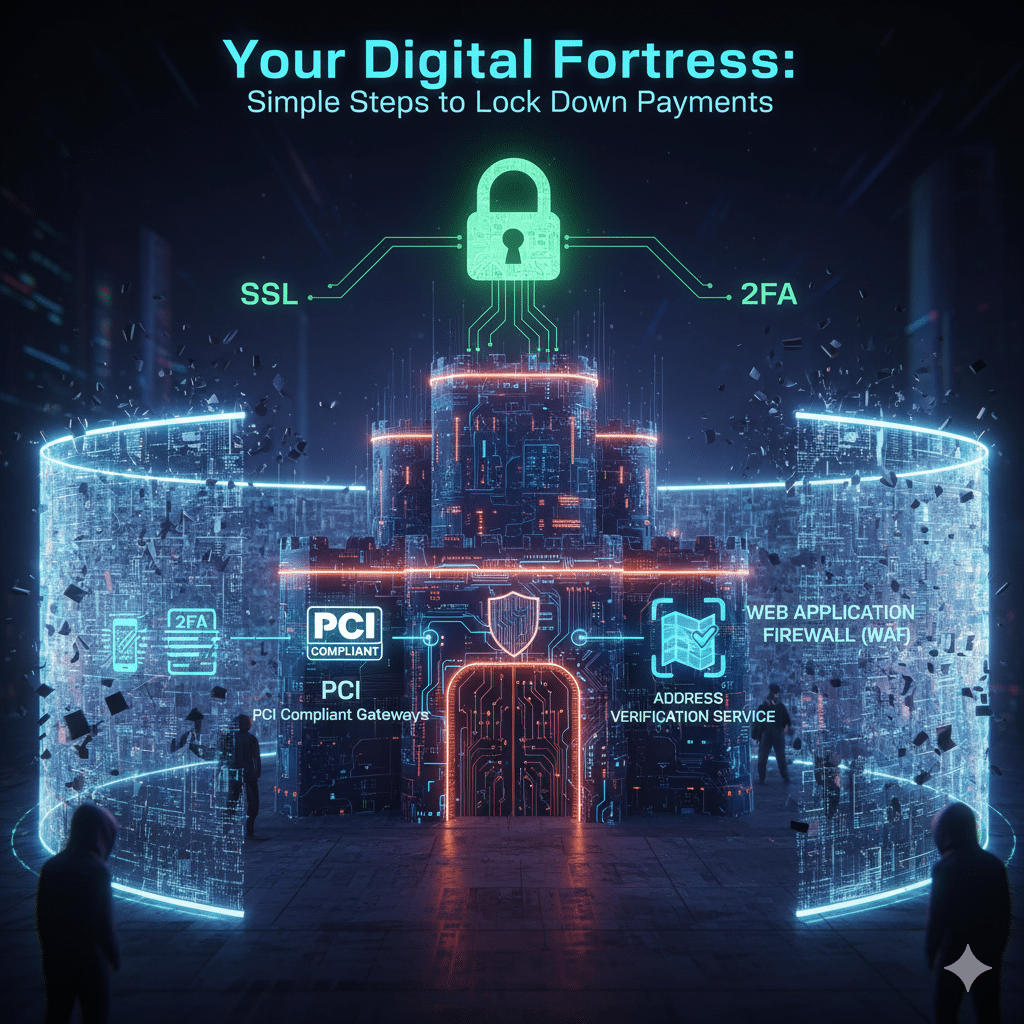
Securing your event site isn’t about being a coding genius; it’s about following a simple checklist. Think of it like setting up different security cameras and alarms at your venue—you build defenses in layers. Here is a streamlined, three-part strategy to make sure your ticket money is safe, especially if you’re using a WordPress setup:
1. The Foundation: Building a Rock-Solid Floor
This is the non-negotiable stuff that keeps the basics covered.
- Encrypt Everything with an SSL Certificate: This is crucial! Make sure your site uses HTTPS (look for the little padlock icon). Tools like Let’s Encrypt offer free certificates to scramble all data as it moves from your customer’s browser to your server. No scrambling = easy interception.
- Choose PCI-Compliant Gateways: You should never store full credit card details on your server. Pick payment providers (like Stripe or PayPal) that use tokenization. This clever trick replaces the card number with a useless, secure code, which dramatically reduces your liability if there’s a breach.
2. The Gatekeepers: Picking Smart Payment Partners
Your payment processor should be doing half the security work for you.
- Stick to the Pros: Use established giants like Stripe, PayPal, or Authorize.net. They have built-in fraud detection tools like Address Verification Service (AVS) and mandatory 3D Secure pop-ups (which require the customer to verify the purchase with their bank).
- Check Event Features: For ticket sales, your gateway must smoothly handle things like variable pricing (your VIP, Early Bird, etc. tiers) and real-time inventory checks to prevent frantic over-selling and embarrassing double bookings.
3. The Smart Upgrades: Enhancing Your Defenses
These simple best practices drastically reduce the chance of a successful attack.
- Activate 2FA for Admins: Two-Factor Authentication (2FA) is your secret weapon. Using plugins like Wordfence, require a second code (sent to your phone) for anyone logging into your admin area. It’s an immediate security boost!
- Keep Everything Current: Seriously, hackers love old software. Set your WordPress, themes, and plugins to automatically update. Most 2025 security gaps came from organizers forgetting this simple step.
- Block the Bots: Deploy a Web Application Firewall (WAF) through a service like Cloudflare to filter out nasty, malicious traffic before it even reaches your site.
- Make Checkout Smooth & Safe: Offer a Guest Checkout option (less stored data = less risk) and use CAPTCHA to ensure it’s a human, not a bot, buying those tickets.
- Watch for Weirdness: Monitor your sales. Set up alerts for unusual patterns, like one person buying 100 tickets in a minute, which can signal fraudulent activity.
By treating security as a continuous project—just like refining your event agenda—you create a resilient system that scales with your growth.
Meet the Security Power Duo: WPEvently & WooCommerce
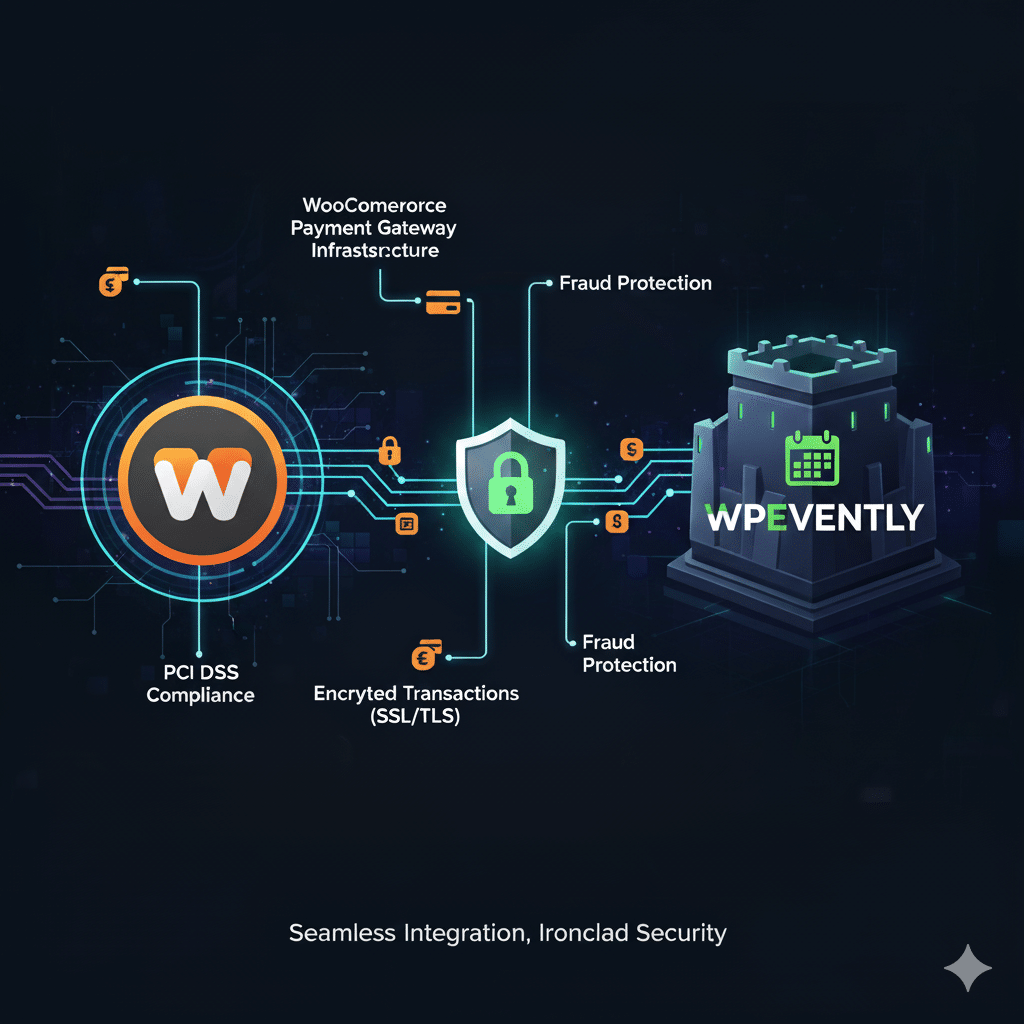
If you’re building your event site on WordPress, you’re in luck! There’s a perfect partnership ready to deliver enterprise-level security without the coding complexity: WooCommerce and WpEvently.
The Foundation: Why WooCommerce is Your Security MVP
WooCommerce powers millions of online stores and is renowned for its security-first design. Think of it as the strongbox that holds the cash.
- It Doesn’t Keep Your Keys: WooCommerce’s core strength is that it doesn’t store sensitive payment data (like full credit card numbers). It immediately uses tokenization—a secure swapping of card details for a code—which drastically reduces your risk.
- Built-in Safety Net: It comes standard with fraud scoring, secure order management, and end-to-end encryption. It’s ready for events right out of the box.
WpEvently: Event Security, Simplified
WpEvently is the event ticketing layer that sits on top of WooCommerce, meaning every ticket you sell instantly inherits that powerful security framework.
- Seamless Integration: When you create a ticket in WpEvently (VIP, Early Bird, etc.), it automatically creates a secure product in WooCommerce and routes the purchase through its rock-solid checkout.
- Key Benefits of the Duo:
- Inherited Protection: All payments benefit from WooCommerce’s encryption and compliance—no custom coding needed.
- Real-Time Fraud Prevention: Real-time seat and ticket inventory checks instantly prevent the “over-selling” scams that plague ticketing.
- Vulnerability Proofing: Recent updates (like WooCommerce 10.3+ and WpEvently 5.05) actively patch common issues like XSS problems, keeping your site ahead of 2025 vulnerabilities.
Pro Upgrades: WpEvently Addons That Prevent Fraud
WpEvently’s Pro features aren’t just cool gadgets; they’re smart security extensions. By streamlining ticketing processes, they close loopholes that fraudsters and bots often try to exploit.
| Addon Feature | How It Boosts Security & Prevents Fraud |
| Waitlist Addon | Captures legitimate interest when tickets sell out. This curbs scalping bots and fraudulent bulk buys by tying waitlist spots to verified payments. |
| Seat Planning Addon | Assigns unique, trackable seats during checkout. This creates a secure, tamper-proof digital ticket that reduces reselling scams and enables easy validation. |
| Event Reminder/Notification Addon | Automates secure, encrypted email confirmations. It reinforces trust with compliant communications and helps you spot mismatched details (a sign of fraud) early. |
| Membership Pricing Addon | Gates discounts behind verified user accounts. This is your best defense against coupon abuse and promo fraud by requiring a confirmed login. |
| Frontend Submission Addon | Secures user-generated events (like event marketplaces). It uses WooCommerce’s payment hooks to validate all bookings and prevents malicious listings. |
| Recurring Events Addon | (This is a FREE core feature!) It helps manage multi-session events smoothly, ensuring each transaction is isolated and secured individually through WooCommerce. |
| QR Code Addon | Generates a unique, tamper-proof code on every ticket. This enables secure, one-time mobile check-in, preventing ticket duplication and fraud at the entry gate. |
Still looking for answers?Check out how you can get started with WpEvently
The Final Word on Setup
Getting started is painless: Install WooCommerce, activate WpEvently, enable the ticketing module, and connect your payment gateway. We strongly recommend doing a quick end-to-end test in a staging environment first to confirm your flow is seamless—and totally secure!
Final Curtain: Secure Payments Mean More Magic
So there you have it! Locking down your secure online payments for your event website is less about complex coding and more about smart strategic choices. Think of all the time you’ll save when you’re not battling fraudsters or chasing chargebacks!
By layering those simple foundations (like SSL and PCI) with the powerhouse integration of WpEvently and WooCommerce, you’re not just protecting your money—you’re protecting your reputation and your peace of mind.
The best part? You don’t have to overhaul your entire system today. Start small:
- Go Pro: Make sure your admin logins have Two-Factor Authentication (2FA) enabled.
- Stay Fresh: Run those plugin and theme updates you’ve been putting off!
Ready to stop worrying about hackers and get back to perfecting that amazing event lineup?
Take the next step: Head over to WpEvently’s resource center to see these features in action, or drop a comment below and tell us what you’re doing right now to secure your site!
Here’s to seamless transactions, zero headaches, and events so unforgettable, attendees line up to buy tickets the next year!